

 Free Minecraft Server


A player abroad cannot join but your console says all is fine? A fifteen-minute way to test a game server from another country and find what blocks him.
How to Check Your Game Server From Another Country (Before Your Players Do)
A player from Sao Paulo writes in your Discord that he can't join. You open the console. Server is up, 43 people online, your own ping is 18 ms. You tell him to restart his router. He does. Still nothing.
Most admins have had this conversation, and most of the time the player isn't lying. The server really is unreachable for him. You just can't see it, because you only ever look at your server from your own desk.
Here's how to look at it from his.
How a server can be up and unreachable at once
There are four usual suspects.
The first is DDoS filtering. Protection in front of a game server has to decide in milliseconds whether a burst of UDP packets is an attack or forty people loading into a map. During an incident it often blocks whole networks, sometimes whole countries. The attack ends, the rule stays. Nobody removes it, because nobody on the admin team connects from Brazil.
The second is rate limiting. A packets-per-second cap tuned on European home connections can be far too tight for players behind carrier-grade NAT, which is normal on mobile networks and at a lot of ISPs in Asia and Latin America. Hundreds of subscribers share one public address there. To your filter they look like a single very noisy client.
Third, DNS. If players connect by name, with something like play.yourserver.com or an SRV record such as _minecraft._tcp, some of them may still get an old address after a migration. Geo-aware DNS can also hand different answers to different regions.
And then plain routing. Paris to Sao Paulo should be around 200 ms. If his provider hauls the traffic through Miami and Amsterdam first, it's closer to 300, and the game feels broken even though nothing is blocked.
You can't tell these four apart from the console. You have to stand where the player stands.
Borrow an address in the player's country
You don't need a volunteer in every region. You need an IP address there that forwards your traffic, and that is all a proxy is. Two details matter for this job, and they rule out most of the cheap options.
It has to support SOCKS5 with UDP. Server queries and the game itself run over UDP. An HTTP proxy will load your web panel just fine and tell you nothing about the game port.
It has to be yours alone. On a shared address somebody else's traffic can trip your own protection, and then you're debugging their problem.
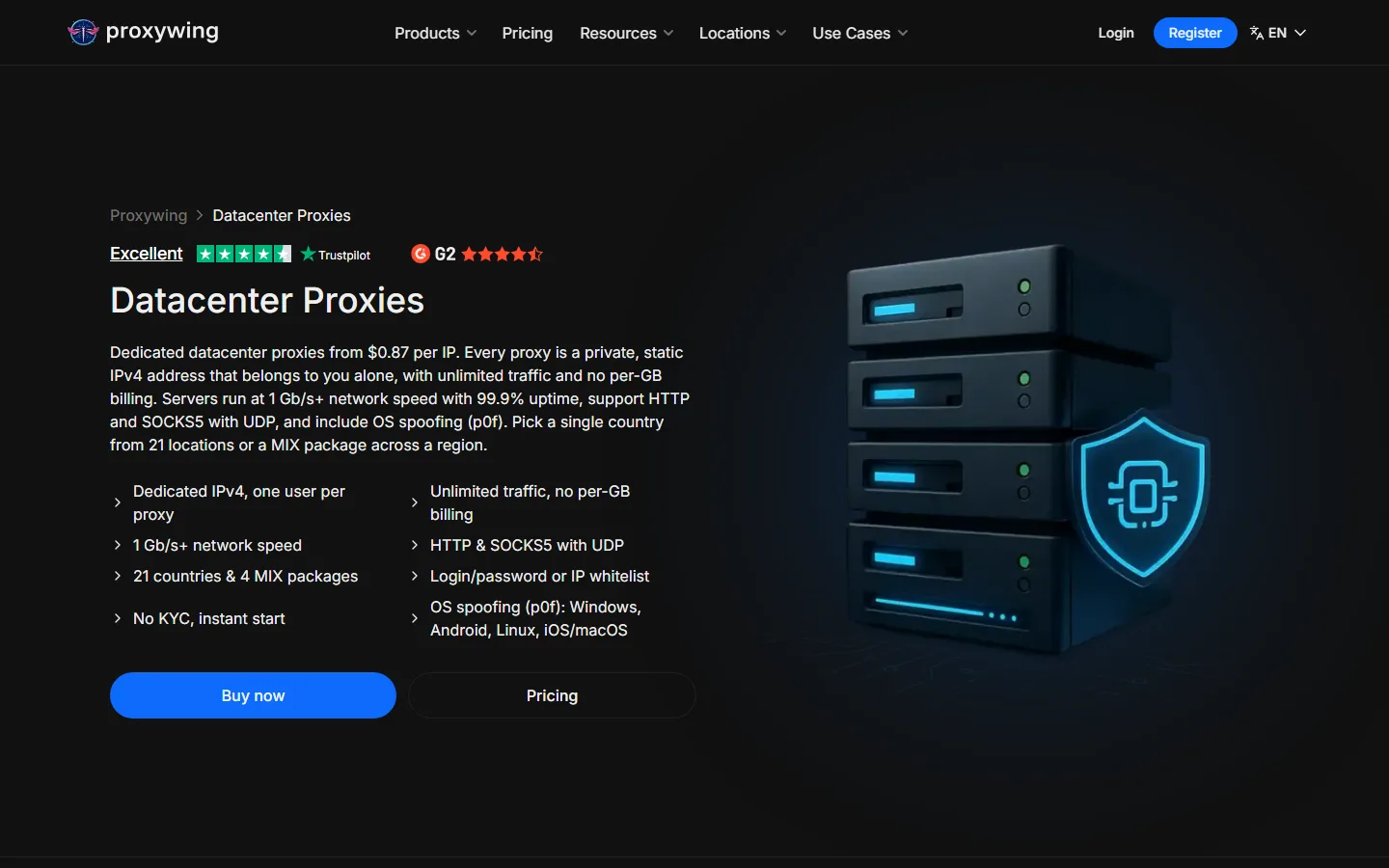
Dedicated datacenter proxies tick both boxes. They are ordinary server IPs in a datacenter in the country you pick, rented by the month. We'll use ProxyWing as the example here. A single IP costs $1.80 a month with unlimited traffic, SOCKS5 with UDP is included, there are 21 countries to choose from, and the address is issued right after payment with no paperwork. Five countries come to nine dollars. You can also authorize by whitelisting your own IP, which saves you from pasting passwords into command-line tools.
Fair warning: ProxyWing doesn't do trials or refunds. Buy one address first and make sure it does what you need.
The fifteen-minute check
- Pick the regions your players come from, or the ones you'd like them to come from. Get one IP in each.
- Send a server query through each proxy. That's A2S_INFO on port 27015 for Source-engine games, an unconnected ping on 19132 for Minecraft Bedrock, or whatever your game speaks. The catch is that the tool must be able to push UDP through SOCKS5, which is called UDP ASSOCIATE. tun2socks can, ProxyCap can. A wrapper that only handles TCP will report a failure that isn't real. (Minecraft Java is TCP, so any SOCKS5 client will do for it.) Write down whether you got an answer and how long it took.
- Resolve your hostname through the proxy as well, with remote DNS switched on, and compare the result with the address you expect.
- Now the real test. Join with a game client through the proxy and play for five minutes. If you get in and drop after a few seconds, or rubber-band the whole time, that's a packet-rate filter being too eager.
- If your host lets you switch protection into its strict mode by hand, do that and repeat everything. This is the state your server is in when real players get locked out, usually on a Saturday night.
Keep the results in a plain table: region, query time, joined or not, notes. One line per test. It's the first thing you'll want the next time someone says "I can't connect".
Reading what you get
Query fails from one country and works from the rest: look at geo and ASN rules first.
Query works, join fails: the filter is probably treating the opening burst of game packets as a flood. Raise the threshold for new connections, or ask your host how their profile handles the first seconds of a session.
Everything works but the ping is much worse than the distance explains: it's the route. No firewall rule fixes that. A second location closer to those players does, or a host with better peering toward that region.
One caveat. A datacenter IP isn't a home connection. Protection that scores traffic by network type can be harsher on hosting ranges than on consumer ones, so a failure from a datacenter address deserves a second look from a residential one before you rewrite your rules. A pass is a pass, though.
Make it a habit
Run the check after every change to firewall rules or protection profiles, and after every attack. For nine dollars a month you get five permanent vantage points, and "works for me" turns into something you can actually show the player in Sao Paulo.
Reading about servers is fine. Running one is better.
Every guide on this blog was written against a real free AxentHost server. Claim fifteen credits and follow along on your own.