


Palworld Server Hosting
Starting at 14.99€/month
Host your own Palworld Server with AxentHost. Enjoy fast, reliable and high performance hardware. Setup and customize your server in no time and start playing with your friends or community.

Customize Your Server
Check what your Palworld Hosting will cost with our flexible pricing calculator
RAM
Disk Space
Additional Ports
No setup fees • Premium Hardware • 24/7 support
HARDWARE SPECS
Up to AMD Ryzen 9 9900X - Max 5.60 GHz
NVMe SSDs for fast loading
DDR5 for heavy server loads
1 Gbps for low latency gameplay
DDoS protection to protect your server
Why Choose Our Palworld Server Hosting?
Run Palworld with dedicated resources, low latency, and a full control panel—built for stable co-op sessions with your friends or community.
High Performance
Servers come with the best technology for smooth gameplay and no lag 24/7.
- Ryzen 9 CPU
- SSD NVME Storage & DDR5 RAM
- High Bandwidth
Multiple Locations
Multiple locations are available to ensure the lowest latency for your server.
- Europe datacenters
- North America datacenters
- Lowest ping possible
DDOS Protection
Our servers are protected from DDOS attacks to ensure a peaceful experience for all players.
- DDoS attacks mitigation
- Lag reduction
- Safe gameplay
Scalable
You can scale your hardware up and down as needed, adding RAM and disk space at any time.
- High Flexibility
- Scale anytime
- No oversized hardware
Dedicated Resources
Your Palworld server runs on reserved RAM, high end CPU, and unlimited slots. Gameplay stays smooth even with a full group online.
- Isolated environment
- Best in class hardware
- Room to scale for more players
Support
Our support team is here to help you with any questions or issues you may have.
- Large Community
- Discord Support
- Link your account
Control Panel Overview
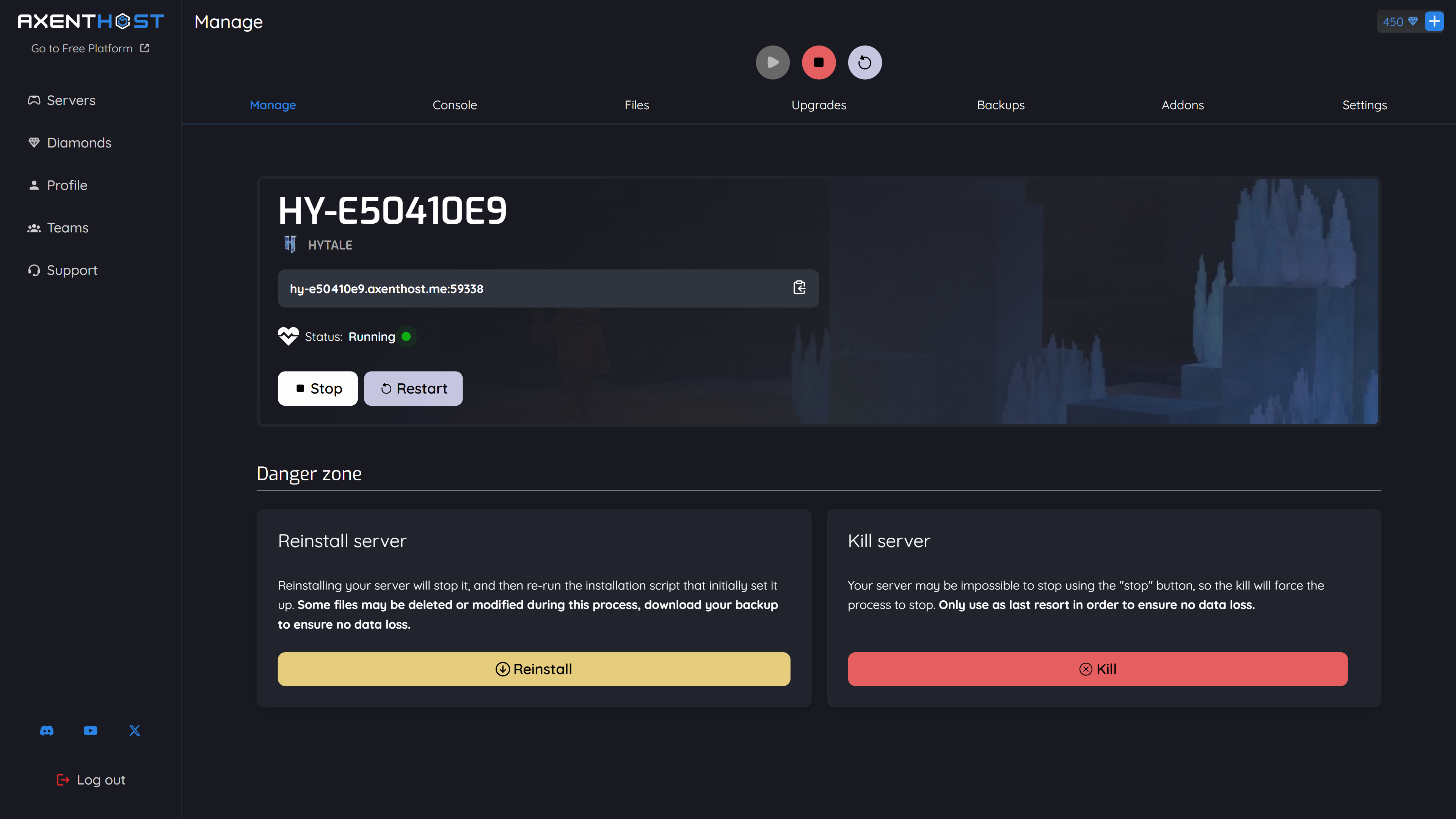
Control Panel
Our intuitive and efficient control panel gives the best features possible with a dark mode interface. Use the website to start your server or perform any actions on it.
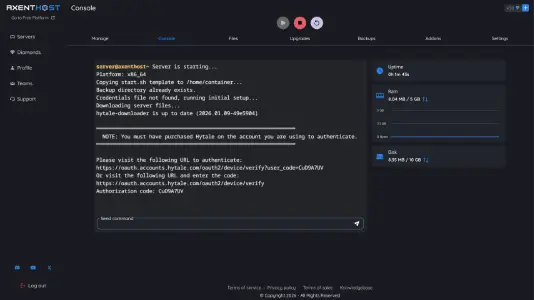
Console
Manage and send commands through the web console. Helpful to make adjustments and manage the current players.
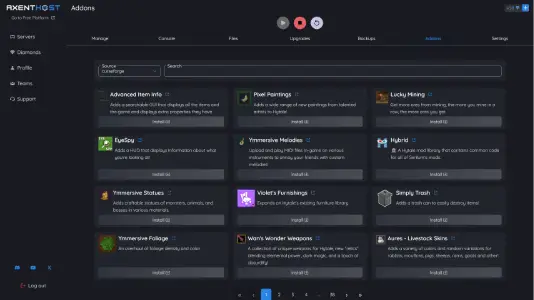
Mods Installer
Install and manage mods and server-side content from the panel. Extend your Palworld session with community tools and tweaks where supported.
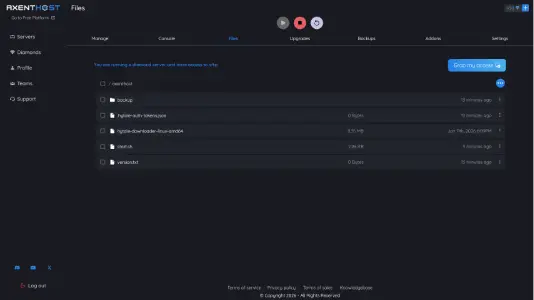
File Manager
Manage files with our file manager. It is robust and allows to download, upload and delete files, folders and more.
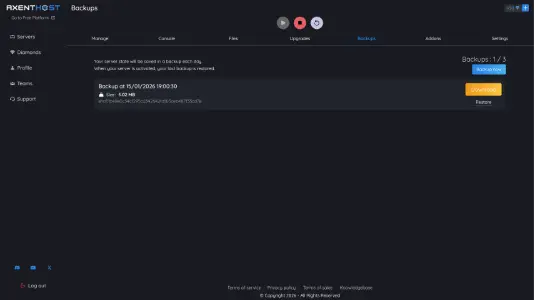
Backups
Your backups are automatically created every 24h with 3 different backups. You can also create manual backups and restore them at any time.
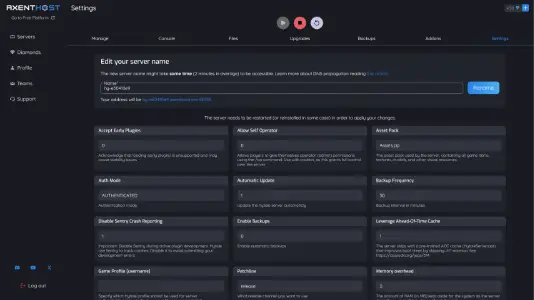
Settings
Configure your Palworld server settings with ease. Adjust world options, difficulty, and any other parameters through our intuitive interface.
Crossplay-ready hosting
One Palworld server. Friends on PC and console together.
Your dedicated server is built for sessions where everyone shares the same world: capture Pals, raid dungeons, and expand your base without leaving someone on the wrong "instance". When Palworld crossplay rules allow it, players can meet on the same world.
- Less barriers: invite players across supported platforms so your squad is not locked to a single storefront.
- Performance that keeps up: Ryzen NVMe hosting means smoother sync for co-op combat, bosses, and busy bases.
- Know exactly what works: platform combos, versions, and setup tips are spelled out in our guide.
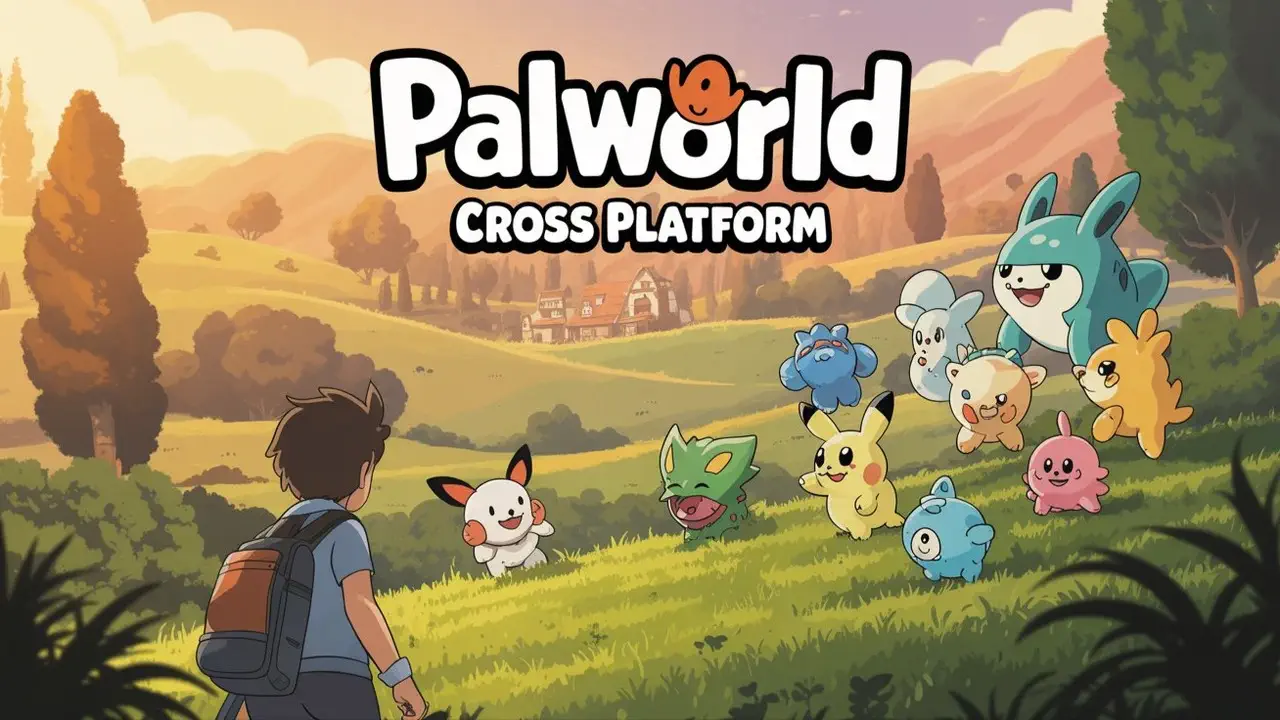
Join the growing players community
Join the growing community of more than 1M passionate players helping, playing and discussing with each other.
Love the fact that on this hosting service, when our server is activated we have full access to the file system for our game, allowing us to add and remove at our own discretion. They also allow you to adjust the disk size and ram capacity, which is something other particular free hosts don't enable.

Frequently Asked Questions
Read our knowledgebase
Find answers to common questions and get help with your Palworld server. If you can't find the answer you're looking for, contact our support team or visit the Palworld Knowledgebase.
Knowledgebase